
Starting a New Account
Creating a Betninja account gives Canadian users one profile for casino games, sports betting, promotions, banking, and account management. The current registration journey is fairly compact, but this is not the moment for creative spelling or a fictional birthday… Details entered at sign-up can later be compared with verification documents. Fresh August 2026 testing confirms that the form requests core personal and contact information and then asks users to confirm basic details before moving on. One account is intended to cover the platform rather than separate casino and sportsbook registrations. Registration itself does not require an immediate deposit, so users can inspect the profile, cashier, and available controls first.
Create the profile only with information you can verify later.

Sign-Up Procedure Step by Step
The current sign-up process begins with the registration option and asks for a name, email address, mobile number, date of birth, and password. After those details are entered, recent hands-on testing reports an email-confirmation stage and completion of residential information. The live interface should still guide the process because field order and wording can change over time. Avoid opening another account if a confirmation message is delayed; duplicate profiles can make future verification and payment checks unnecessarily messy. A quick review before submission can save a surprisingly long support conversation later.
- Open the verified registration interface and choose Sign Up.
- Enter the name, email address, mobile number, and date of birth requested by the form.
- Create a strong password that is not reused for email, banking, or another gambling account.
- Confirm the email address when the verification message arrives.
- Complete the residential information shown by the current account setup.
- Review the saved information for spelling, date, and contact errors.
- Sign back in and inspect the profile before using the cashier.
The process is straightforward, but accuracy beats speed. A typo in an email address may block confirmation, while an incorrect birth date or legal name can create a mismatch once KYC begins. Current terms-oriented documentation also states that registration information must be accurate and that each player should maintain only one account. If anything appears wrong after submission, contact support or use the account-editing tools rather than registering again.
Finish the setup only after checking that the account information is correct.
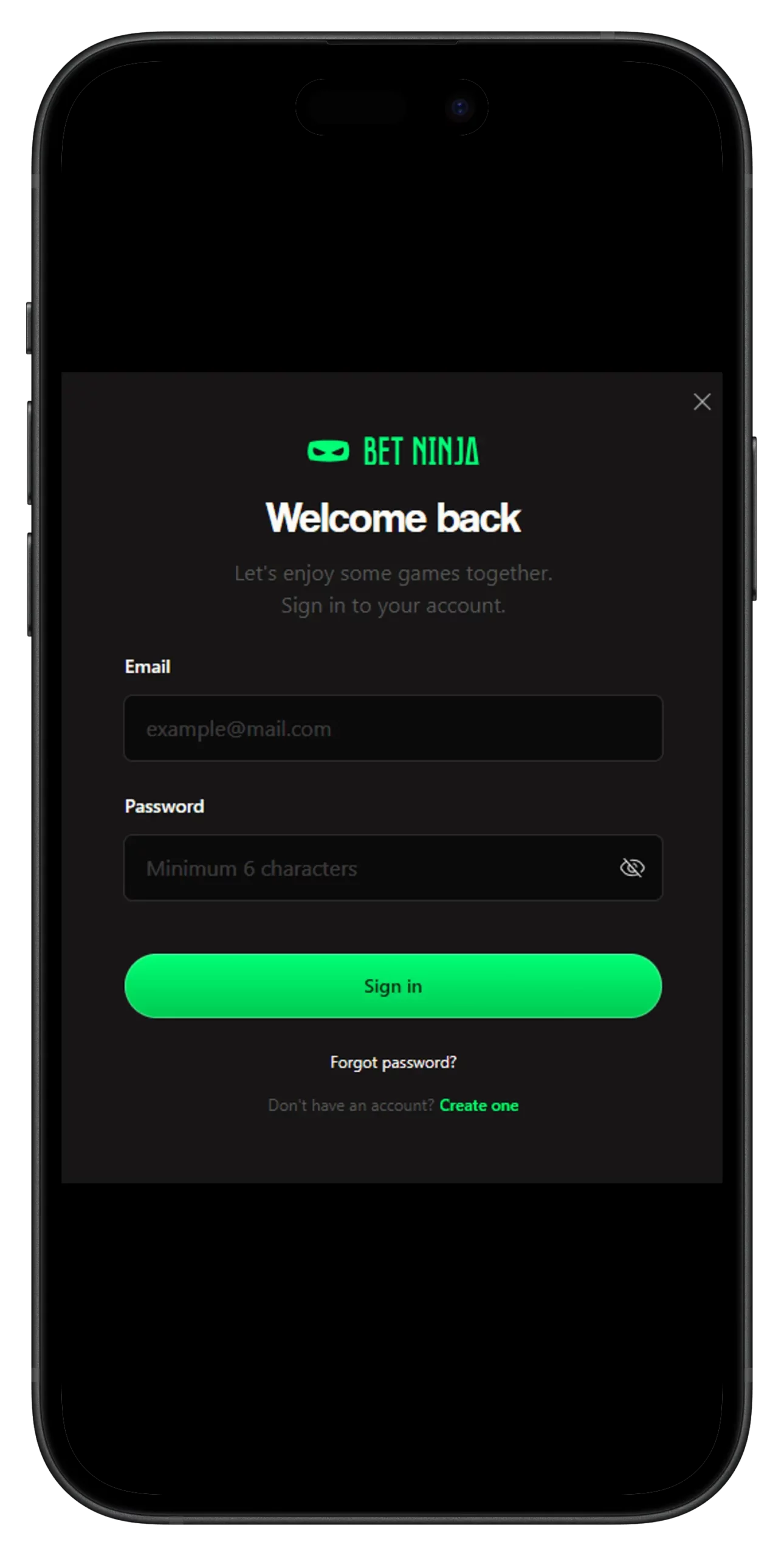
Data Entered During Account Creation
The information collected during registration serves several different purposes. A legal name and date of birth help establish who owns the profile and whether the player satisfies applicable age rules, while email and mobile information support communication and account recovery. Residential details can later be relevant during identity or address verification. Recent testing confirms name, email, mobile number, date of birth, password, and address information as part of the current account journey. Current privacy-oriented material also describes name, date of birth, home address, email, telephone number, verification documents, and payment details among the information that may be processed during account use.
| Information | Why It Matters | What to Check |
| Full legal name | Identifies the account holder | Match official identification |
| Date of birth | Supports age and identity checks | Enter the actual date |
| Email address | Login, confirmation, and recovery | Use an inbox you control |
| Mobile number | Contact and possible security steps | Check number and country code |
| Residential address | Can support later KYC | Use your current real address |
| Password | Protects account access | Make it unique and difficult to guess |
Consistency matters once payments enter the picture. Using another person’s contact information or a payment method registered to somebody else can trigger additional account checks. If your address or telephone number changes later, update the existing profile rather than opening a replacement account. Current support-oriented guidance says some account details can be updated, while identity-defining information such as name and birth date may require support involvement. And, yes, a password like “casino123” remains a poor security strategy regardless of how easy it is to remember.
Review personal information before connecting a payment method to the account.
Account Verification and KYC
Know Your Customer checks are used to confirm identity, age, address, and, when necessary, payment ownership. Verification may become relevant before a withdrawal or when account activity triggers an additional compliance review, so it is better to prepare for it than to treat KYC as a surprise appearing after a win. Current verification guidance lists a government-issued photo ID and a recent utility bill or bank statement as typical documents used for identity and address checks. Recent player reports from August 2026 also show that document verification is actively being requested before or around withdrawals, although individual experiences vary considerably. KYC is an account-control process, not proof that a withdrawal will always take the same amount of time.
Common verification material can include:
- A valid passport, driver’s license, or other accepted government-issued photo ID.
- A recent utility bill or bank statement showing the registered residential address.
- Evidence of payment-method ownership when the account review requires it.
- Additional documentation if enhanced identity or financial checks are requested.
Documents should be clear, current, and unaltered. If the account says one name and the identification says something else, the compliance team is unlikely to admire the plot twist. Never send passwords, one-time codes, or sensitive documents to an unsolicited Telegram, WhatsApp, or social media contact claiming to handle verification. Use only the account’s recognized verification or support route. Verification speed can vary, so avoid treating any third-party “24-hour guarantee” as universal.
Prepare readable documents early and submit them only through verified account channels.firming the correct page and securing your device.

Accessing Features After Registration
Once registration is complete, the account opens access to more than the game lobby. Current testing shows that the same profile covers casino content, the sportsbook, cashier functions, promotions, account settings, and support tools, with mobile browser access available as well. There is no practical reason to rush into a deposit immediately; first check the profile, available payment methods, current promotions, and responsible-gambling settings. This is also a useful moment to confirm whether the cashier displays the currency and payment routes you expected for your location. Regional availability can differ, particularly for payment services.
Useful post-registration checks include:

- Review personal details and security settings.
- Open the cashier and inspect the payment methods and limits shown to the account.
- Check the Promotions area before activating or funding any reward.
- Browse casino and sports sections without assuming that registration obliges you to wager.
- Locate customer support and responsible-gambling controls before they are needed.
The current promotion mix includes Mystery Drops, Multiboost, Boosted Odds, Kalamba Kash Drops, and Telegram Exclusives. Mystery Drops requires €100 in qualifying casino wagering for a chance at a following-day reward worth up to €100; at the August 27 rate of €1 ≈ C$1.61825, each €100 figure is roughly C$161.83. The advertised €10,000,000 Kash Drops campaign pool converts to about C$16.18 million at the same nearby rate, while Multiboost can add up to 55% to eligible winning accumulators with three or more selections at minimum odds of 1.20 per leg. Those figures describe campaign mechanics, not guaranteed returns.
Explore the account first and deposit only money already reserved for entertainment.
Resolving Sign-Up and Login Issues
Registration problems are usually less mysterious than they initially appear. An email may already be associated with an account, a password may fail the required format, a confirmation message can land in spam, or incomplete information may stop the form from progressing. If the system says your details already exist, use password recovery rather than creating variations of your name and email. Current terms-oriented material explicitly limits users to one account, making duplicate registration a poor workaround. If a confirmation email is missing, verify the spelling of the address and check junk folders before repeatedly requesting another message.
Browser and session problems can also interfere with login. Refreshing the page, trying an updated browser, and clearing site-specific cookies or cache can resolve stale sessions, although clearing browser data may sign you out. Make sure recovery information is available before doing that—locking yourself out while repairing a login problem has a certain unfortunate efficiency. If the password is forgotten, use the normal reset process instead of repeatedly guessing until security controls intervene. Problems involving an inaccessible email or incorrect personal information should go through customer support.
Regional eligibility is a separate issue from a technical error. Reaching a registration form does not prove that every gambling product or payment route is locally authorized throughout Canada, and users should check the rules applying in their province. Do not alter residence information or use technical workarounds to bypass a geographic restriction. Finally, successful registration does not make casino games or sports betting a reliable source of income: use spending and time limits, never chase losses, and stop when gambling stops feeling recreational.
Use normal account recovery and support procedures rather than bypassing registration, identity, or regional controls.